
In an age of remote work and online streaming, a good webcam has become an essential tool. The grainy, poorly-lit video from a built-in laptop camera can make you look unprofessional and disconnected. A dedicated external webcam is one of the easiest and most affordable ways to instantly improve your video quality.
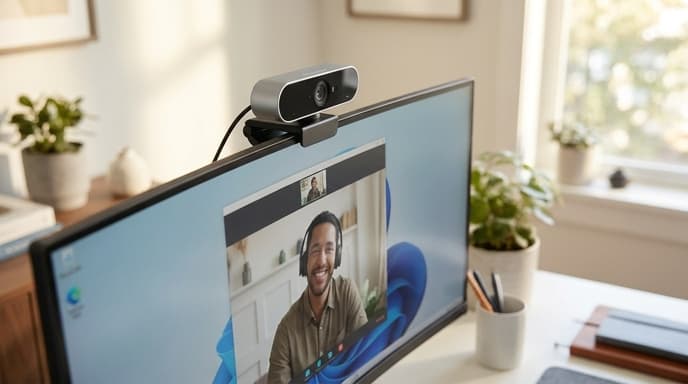
But shopping for one can be a confusing experience, with a jumble of terms like 1080p, 60fps, and FOV. This guide will break down the three most important specifications—resolution, frame rate, and field of view—to help you choose the perfect webcam for your needs, whether it's for work calls, online classes, or streaming your gameplay.
Resolution: The Sharpness of Your Image
Resolution refers to the number of pixels that make up the video image. More pixels mean a sharper, more detailed picture.
- 720p (HD): This is the bare minimum for decent quality and is often what you'll find in older or budget webcams. It's acceptable, but can look soft on modern displays.
- 1080p (Full HD): This is the sweet spot for most users. It provides a crisp, clear image that looks professional for video conferences and is great for beginner streamers. It offers the best balance of quality and affordability.
- 4K (Ultra HD): This offers the highest level of detail, but it's overkill for most applications. Video conferencing platforms like Zoom and Teams often compress video, so you won't see the full benefit. It's primarily useful for content creators who want the flexibility to crop and reframe their video in post-production.
Frame Rate: The Smoothness of Your Motion
Frame rate is measured in frames per second (fps) and determines how smooth motion appears in your video. A higher frame rate captures more images per second, resulting in less choppiness.
- 30fps: This is the standard for most webcams and is perfectly adequate for video calls and meetings. Your motion will look natural and clear.
- 60fps: This provides hyper-smooth, fluid motion. While not necessary for a standard video call, it's a highly desirable feature for streamers and content creators, as it makes their video look more lifelike and professional. Most webcams that offer 60fps do so at 1080p resolution.
Field of View (FOV): How Much the Camera Sees
Field of View, measured in degrees, determines the width of the camera's shot. It's like the difference between a wide-angle and a telephoto lens.
- Narrow (60-75 degrees): This creates a tighter shot that is focused on your head and shoulders. It's great for a professional look as it minimizes background distractions.
- Medium (78-90 degrees): A versatile standard that shows you and a bit of your background. This is a good all-around choice.
- Wide (90+ degrees): This can capture multiple people or show off a wider view of your room, which might be useful for whiteboard presentations or group calls. Be aware that very wide angles can sometimes create a distorted 'fisheye' effect.
Frequently Asked Questions
What about autofocus and low-light performance?
A good autofocus system will keep you sharp even if you move around. Look for webcams with fast and reliable autofocus. Excellent low-light performance is also crucial, as it allows the camera to produce a bright, clean image without a lot of grainy 'noise,' even in a typically lit room.
Is a glass lens better than a plastic one?
Yes. A multi-element glass lens will generally produce a sharper and clearer image than a plastic lens. This is often a feature highlighted on higher-quality webcams.
Do I need a special microphone?
While most webcams have built-in microphones, their quality is often mediocre. For the best audio quality, a dedicated USB microphone or a headset with a good mic is a highly recommended upgrade.
Key Takeaways
- 1080p is the new standard: Aim for a 1080p resolution webcam for a sharp, professional image.
- Choose frame rate by use case: 30fps is fine for calls, while 60fps is better for smooth streaming.
- Match Field of View to your space: A narrower FOV is good for solo calls, while a wider one can capture a room.
- Good lighting is key: Even the best webcam will struggle in a dark room. Invest in simple lighting for a huge quality boost.
- Prioritize autofocus and low-light correction: These features ensure you look clear and bright in various conditions.
Related Reading
- Building an Ergonomic Desk Setup for Work and Play
- How to Use a Continuous Glucose Monitor to Optimize Your Training
- Time Blocking 101: How to Control Your Schedule and Do Deep Work