
Installing banking or trading apps on the same phone you use for social media and casual browsing exposes your financial data to tracking SDKs and background processes. Android work profiles for banking split the operating system into two cryptographically separated user environments on a single handset.
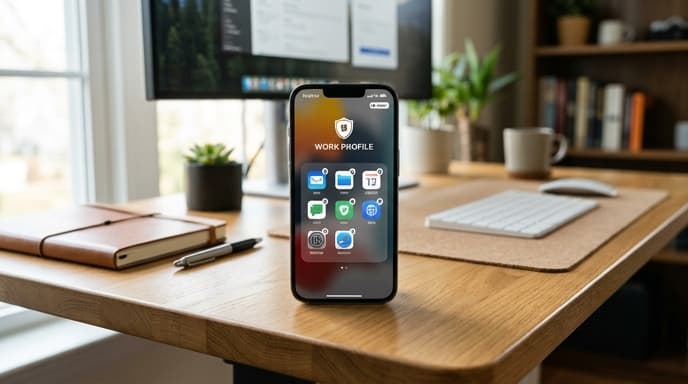
Built originally for corporate mobile device management (MDM), work profiles let individuals set up an isolated sandbox. Apps running in this space have separate user IDs, keeping financial tools away from shared clipboards, background trackers, and broad accessibility permissions granted to personal apps.
How Work Profile Compartmentalization Works
Android relies on multi-user separation in the Linux kernel, assigning each profile its own range of Unix user IDs (UIDs). Creating a work profile generates a dedicated storage partition encrypted with its own key, derived from your lock screen credentials.
Personal apps cannot read files, caches, or app databases stored within the work profile. When an ad-tracking SDK scans the device for installed software, it sees only personal-space applications. The fintech apps inside the work partition remain hidden from it.
Setting Up a Self-Managed Financial Sandbox
You can configure profile separation without corporate infrastructure. Open-source Device Policy Controllers (DPCs) like Shelter and Insular call Android's native enterprise APIs directly to build a local profile.
- Install a Device Policy Controller: Get an open-source DPC from F-Droid or another verified source.
- Provision the profile: Launch the DPC app and follow the setup prompt to let Android create the work profile.
- Set a separate lock method: In system security settings, set a dedicated PIN, pattern, or biometric lock for the work profile.
- Install financial apps: Add banking, brokerage, and authenticator apps directly to the work partition through its own app store instance.
- Disable cross-profile sharing: Turn off cross-profile clipboard access and shared search indexing in system settings.
Operational Trade-Offs to Manage
Using Android work profiles for banking involves practical trade-offs alongside security benefits.
- Push notifications: Pausing the work profile or applying aggressive power-saving settings stops background processes. Real-time fraud warnings and trade notifications may not appear until you wake the profile.
- Authentication handshakes: A password manager stored in the personal profile cannot auto-fill fields in the work profile unless explicitly allowed. The cleaner configuration is keeping a duplicate instance of the password manager inside the work profile.
- Biometric credentialing: Banking apps using Class 3 biometrics (fingerprint or 3D face unlock) need hardware support for per-profile key storage, or the OS falls back to a PIN.
FAQ
Does a work profile slow down phone performance?
Idle work profile apps use little memory, though running duplicate background services or a second app store can strain devices with low RAM.
Can personal apps access the work profile clipboard?
On modern Android releases, cross-profile clipboard sharing is off by default or requires manual approval, keeping copied account numbers and verification codes contained.
Can I back up work profile applications to standard cloud accounts?
Standard phone backups skip work profile data unless you sign in to a cloud backup account directly inside the work profile partition.
Key Takeaways
- Android work profiles isolate financial apps using kernel-level user IDs and unique encryption keys.
- Apps in the personal space cannot read files, memory, or package lists inside the work partition.
- Open-source DPC apps like Shelter allow local profile setup without corporate servers.
- Cross-profile clipboard sharing should be disabled manually in device settings.
- Installing a password manager directly in the work profile prevents credential leaks across profiles.
Related Reading
- Mobile Clipboard Sandboxing: Shielding Financial Data on Android and iOS
- Workstation Compartmentalization: Running Financial Accounts in Isolated Virtual Machines
- Biometric App Locks on Mobile Banking: Device Passcode vs. Secure Hardware