
When you download bank statements, export tax spreadsheets, or decrypt accounting records, your solid-state drive (SSD) saves that data into physical NAND flash cells. Wear-leveling algorithms make securely wiping those files difficult. Using RAM disks for financial data addresses this by setting up a temporary storage space in system memory that clears completely when power is removed.
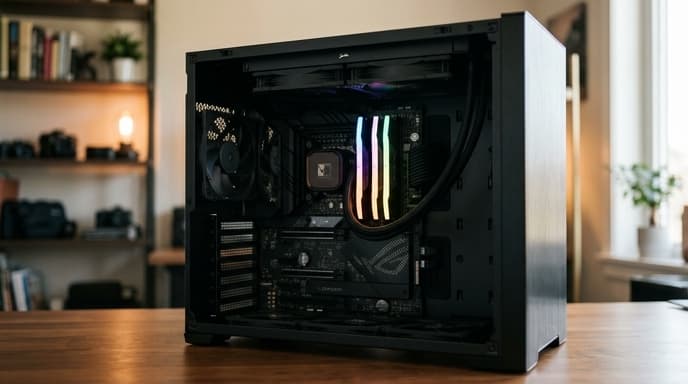
Dynamic random-access memory (DRAM) requires power to keep its contents. Shutting down or rebooting your computer erases everything stored on the RAM disk, leaving no residual traces on physical storage for recovery tools to scan.
The Problem with Modern SSD File Deletion
Spinning hard drives allowed shredding utilities to overwrite specific sectors with zeroes. On NVMe and SATA SSDs, the flash translation layer (FTL) spreads writes across memory blocks to prevent drive wear.
- Wear-leveling bypasses: Secure delete tools cannot target specific physical cells. The SSD controller writes new data to an unused flash block, leaving the original data readable in unallocated sectors until garbage collection runs.
- Crash dumps and swap files: Opening financial files on a regular drive can leave temporary cache files and thumbnails across system partitions.
- Forensic recoverability: Standard file recovery software can often reconstruct deleted tax documents and bank statements long after they were removed from the trash bin.
Step-by-Step RAM Disk Configuration
You can set aside 2 GB to 4 GB of your computer's RAM to create a fast, temporary storage drive that clears on reboot.
On Linux or macOS
Unix-like operating systems include a native RAM file system called tmpfs. You can mount a temporary folder from the terminal:
- Open your terminal.
- Create a mount point:
mkdir -p ~/secure_vault - Mount a 2 GB volatile directory:
sudo mount -t tmpfs -o size=2G,mode=0700 tmpfs ~/secure_vault - Files saved to
~/secure_vaultnow live in DRAM. Unmounting the folder or turning off the machine clears the contents immediately.
On Windows
Windows does not have a built-in GUI for RAM disks, but you can use open-source software like the ImDisk Toolkit:
- Install an open-source RAM disk tool such as ImDisk.
- Create a dynamic virtual disk and assign it an unused drive letter (such as
R:). - Make sure "Save Contents to Image on Shutdown" is turned OFF so nothing is saved to your physical drive on reboot.
- Set your browser to download financial statements and CSV files directly to drive
R:during review sessions.
Operational Discipline for Volatile Workspaces
A RAM disk is a scratchpad for processing files, not long-term storage. Follow these practices:
- Keep your master archives safe: Keep master copies of financial files on encrypted drives or cold storage media. Only copy files to the RAM disk when viewing or editing them.
- Expect loss on sudden crashes: If the computer crashes or loses battery power, all data on the RAM disk vanishes. Do not keep unsaved work solely on a RAM disk without saving a copy elsewhere.
- Power down after sensitive work: Shut down the computer when you finish reviewing records so the DRAM clears.
FAQ
Can cold boot attacks recover data from RAM after shutdown?
An attacker with physical access to your hardware can theoretically cool memory modules to slow charge loss, but DRAM cells typically lose their state within seconds at normal room temperatures.
Does allocating a 2 GB RAM disk slow down my operating system?
On computers with 16 GB or 32 GB of memory, reserving 2 GB for a financial session has no noticeable effect on everyday performance.
What happens if I accidentally put an unencrypted file on my SSD?
If you write an unencrypted file to an SSD by mistake, make sure whole-disk encryption (like BitLocker or FileVault) is active so unallocated sectors remain unreadable without your encryption key.
Key Takeaways
- RAM disks use volatile system memory so files disappear as soon as the computer loses power.
- SSD wear-leveling makes standard file-shredding tools unreliable on modern flash drives.
- Reviewing temporary statements and CSV exports in a RAM disk prevents file artifacts on primary drives.
- Linux supports memory drives natively via tmpfs; Windows users can use open-source utilities like ImDisk.
- Volatile memory erases on power loss, so keep permanent records on dedicated encrypted storage.
Related Reading
- Hardware-Encrypted USB Drives: How to Pick Cold Storage for Financial Records
- Air-Gapped Financial Backups: Comparing Encrypted USB vs Steel Seed Storage
- Workstation Compartmentalization: Running Financial Accounts in Isolated Virtual Machines