
Plugging a phone or laptop into a public USB charging port exposes your hardware to data interception and rogue firmware commands. Using USB data blockers for financial security prevents this by keeping power lines connected while physically severing the pins used for data transfer.
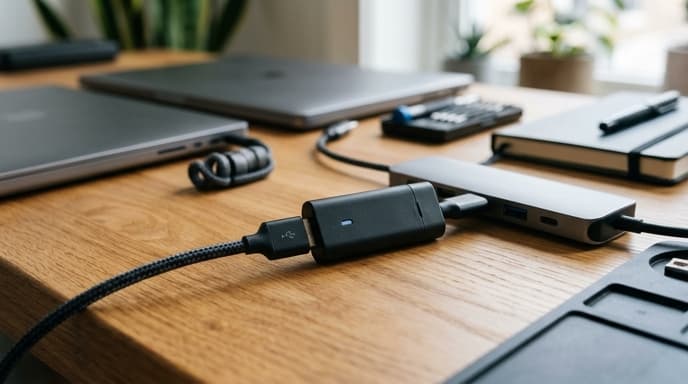
These compact adapters, sometimes called "USB condoms," stop juice-jacking attacks. In a juice-jacking attack, a compromised terminal uses standard USB connection handshakes to pull files, install scripts, or capture active session data from devices used for banking and trading.
The Physical Architecture of Pin Isolation
A standard USB 2.0 connection uses four basic contacts: Pin 1 (Power/+5V), Pin 2 (Data Minus / D-), Pin 3 (Data Plus / D+), and Pin 4 (Ground). USB-C cables add dedicated differential pairs and configuration lines to handle faster speeds and higher power.
A hardware data blocker leaves out or breaks the D+ and D- lines. Without those copper connections, data packets cannot travel between the port and your phone. The connection works as a direct DC power feed.
- Zero software dependency: Operating system vulnerabilities, rogue driver behavior, and misconfigurations cannot re-enable data lines that do not exist on the board.
- Bypass of prompt fatigue: If your screen is tapped accidentally or malfunctioning, it cannot grant access via a "Trust this computer?" prompt. The phone never detects a host.
- Smart-charge emulation: Better blockers use small internal chips or resistors to signal optimal charging rates to the phone without establishing a digital data connection.
Selecting Hardware for Modern Devices
Not every physical adapter works well across all devices. Check for these features when buying blockers for financial hardware:
- Transparent casing: Clear plastic or resin cases let you inspect the internal circuit board to confirm that no copper traces connect the data pins.
- USB Power Delivery (PD) compatibility: Modern laptops need USB-C Power Delivery to negotiate higher charging voltages. Ensure the blocker passes the Configuration Channel (CC) lines without bridging data channels.
- Form-factor durability: Metal housings hold up better against bending and daily wear inside a travel bag.
Operational Security on the Move
Data blockers only protect your devices if you remember to use them. Keep one permanently attached to your travel charging cable, or carry an AC wall plug to use standard electrical outlets instead of public USB ports.
If you have to use a public USB port without an adapter, shut the device down fully before plugging it in. A physical data blocker remains the safest option while the device stays powered on.
FAQ
Do USB data blockers slow down charging speeds?
Simple blockers without charging chips may limit power draw to 500mA. Units with built-in charge-emulation chips signal fast-charging protocols correctly while keeping data lines cut.
Can a malicious charger damage my battery through a data blocker?
A blocker stops data theft and unauthorized software installation, but it cannot stop an electrical power surge. Use a surge protector to prevent overvoltage damage.
Are data blockers necessary if my phone is locked?
Yes. Locked phones still negotiate peripheral connections and run USB interface software that may contain unpatched security vulnerabilities.
Key Takeaways
- USB data blockers enforce hardware isolation by physically disconnecting data lines and leaving only power pins active.
- They stop juice-jacking and file extraction at public USB charging kiosks.
- Physical pin separation prevents accidental user approval via "Trust this device" prompts.
- Transparent cases let you verify that no data lines exist on the circuit board.
- Laptops require blockers that support USB-C Power Delivery protocols without connecting data lines.
Related Reading
- USB-C Hardware Authentication: Securing Corporate Treasury Workstations
- Hardware Security Keys: Comparing FIDO2, NFC, and USB-C Specs for Banking
- Workstation Compartmentalization: Running Financial Accounts in Isolated Virtual Machines